Documentation
Not sure where to start? Jump straight to what you're trying to do:
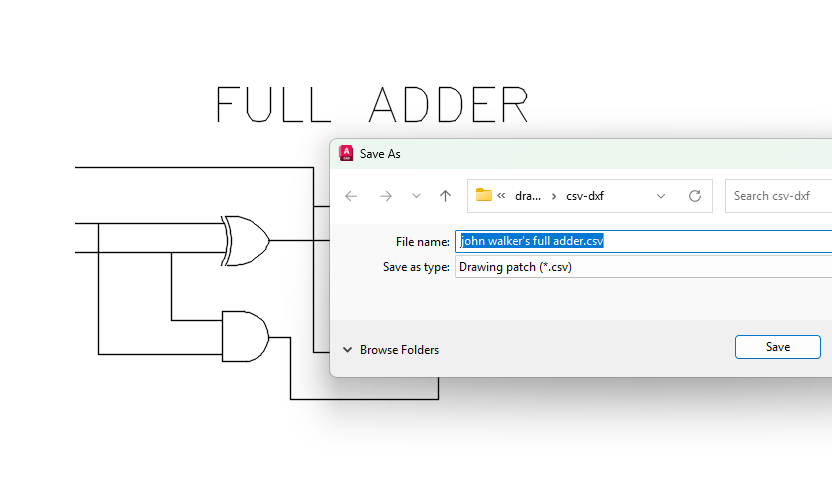
- Give an AI my drawing -- export with CSVOUT, let an AI read or edit it, bring it back with CSVIN. See the DXF-CSV AI quickstart.
- Sync or collaborate with my team -- join or create a workshare.
- Install Drawing Sync -- see Installation.
- Look up a command -- see the Command Reference.
To quickly see what Drawing Sync can do watch this video: Welcome to Drawing Sync.
What's here
- DXF-CSV -- export your drawing's complete object database as CSV, hand it to an AI, and bring changes back. Covers viewable entities, system variables, and tables (layer, linetype, style) alongside non-viewable objects like classes and dictionaries. Start with the AI quickstart or the full specification.
- Collaborate in a workshare. Team members update locally and occasionally connect to sync with a central location.
- Version history -- view and compare previous drawing file versions. Track your own history, or access remote changes if your project is workshared. You don't need a workshare to start: click Sync Central on any project folder to snapshot it.
Getting Started
Watch the videos in this playlist to join and create a workshare: Getting Started.
Or follow these step-by-step instructions.
Product Help
You can also view online help here: Command Reference.